
Screw & Bolt ID
Diameter, thread pitch, head style, and optional length.

Version 0.2.26 · Available on Google Play
GaugeFox
GaugeFox turns a calibrated Android screen into a bolt size finder and thread pitch gauge. Measure Metric or Inch/SAE hardware, then compare the result with offline drill, tap, pipe, washer, wrench, and socket references.
Measured on a calibrated screen, not guessed from a photo.
Current release · August 31, 2026
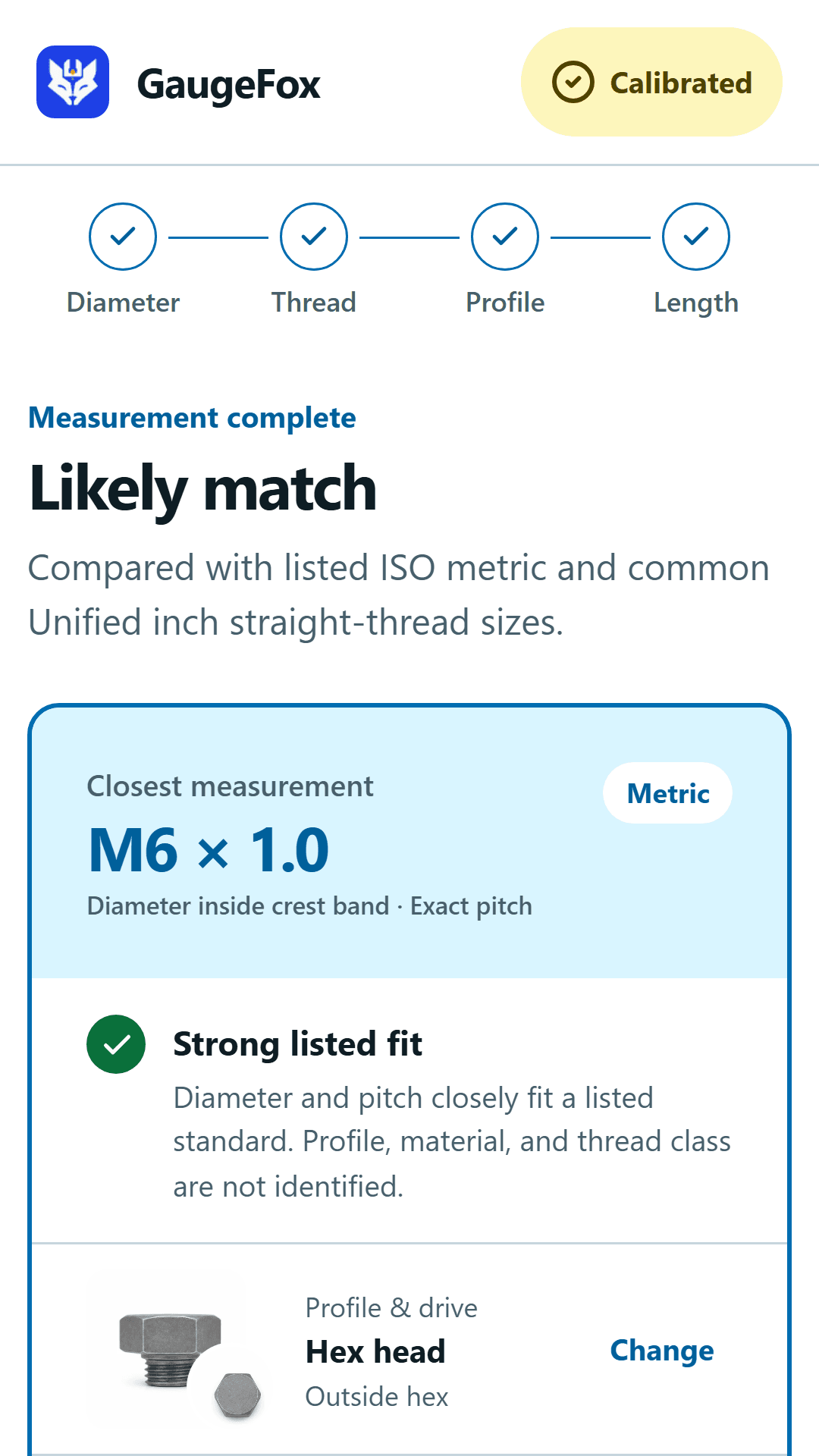
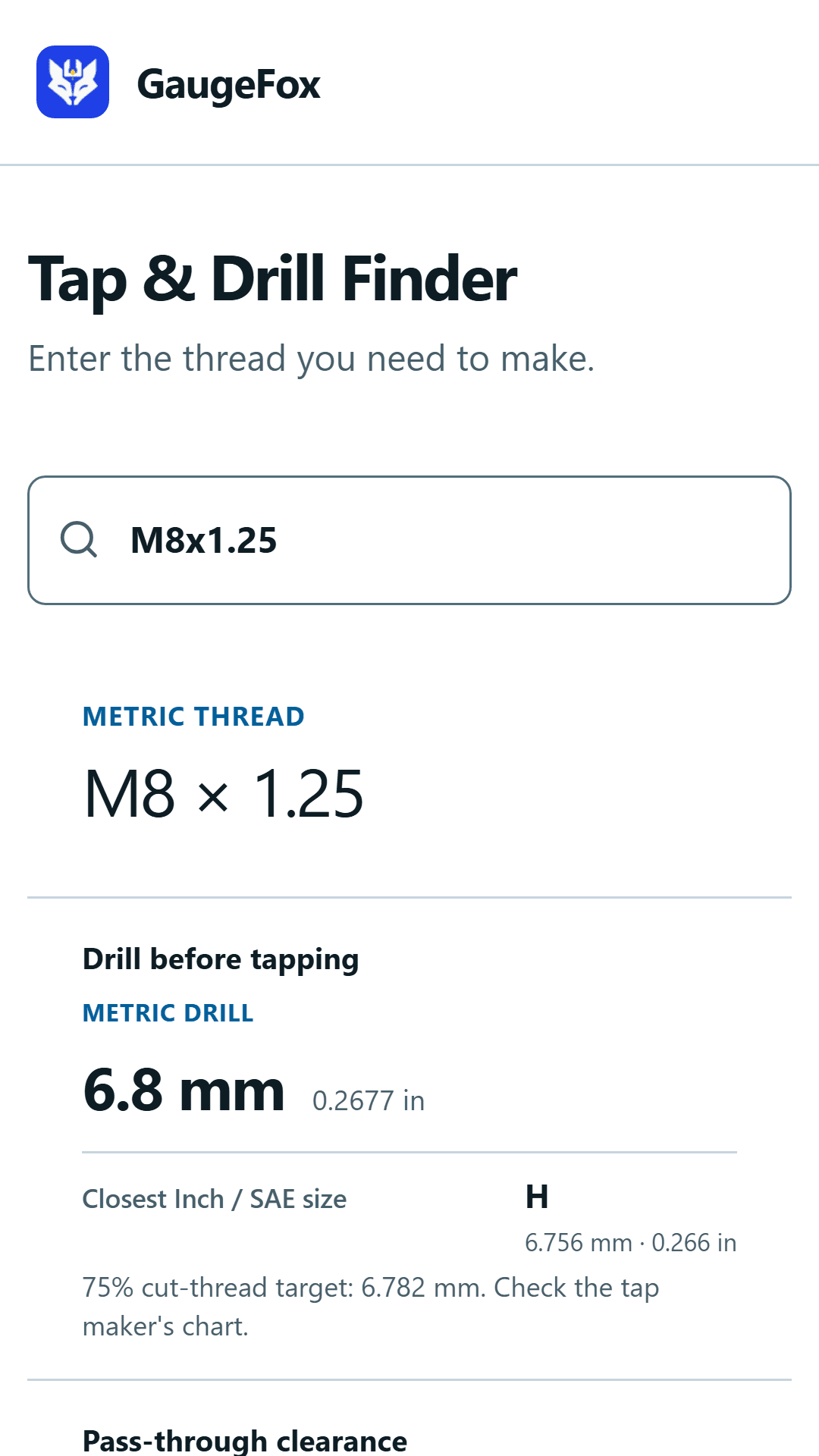
Drill and tap measurements now use the same complete candidate cards as fastener results. Review the measured evidence, confidence, and nearby sizes, then keep the selected result in the local Parts Bin.
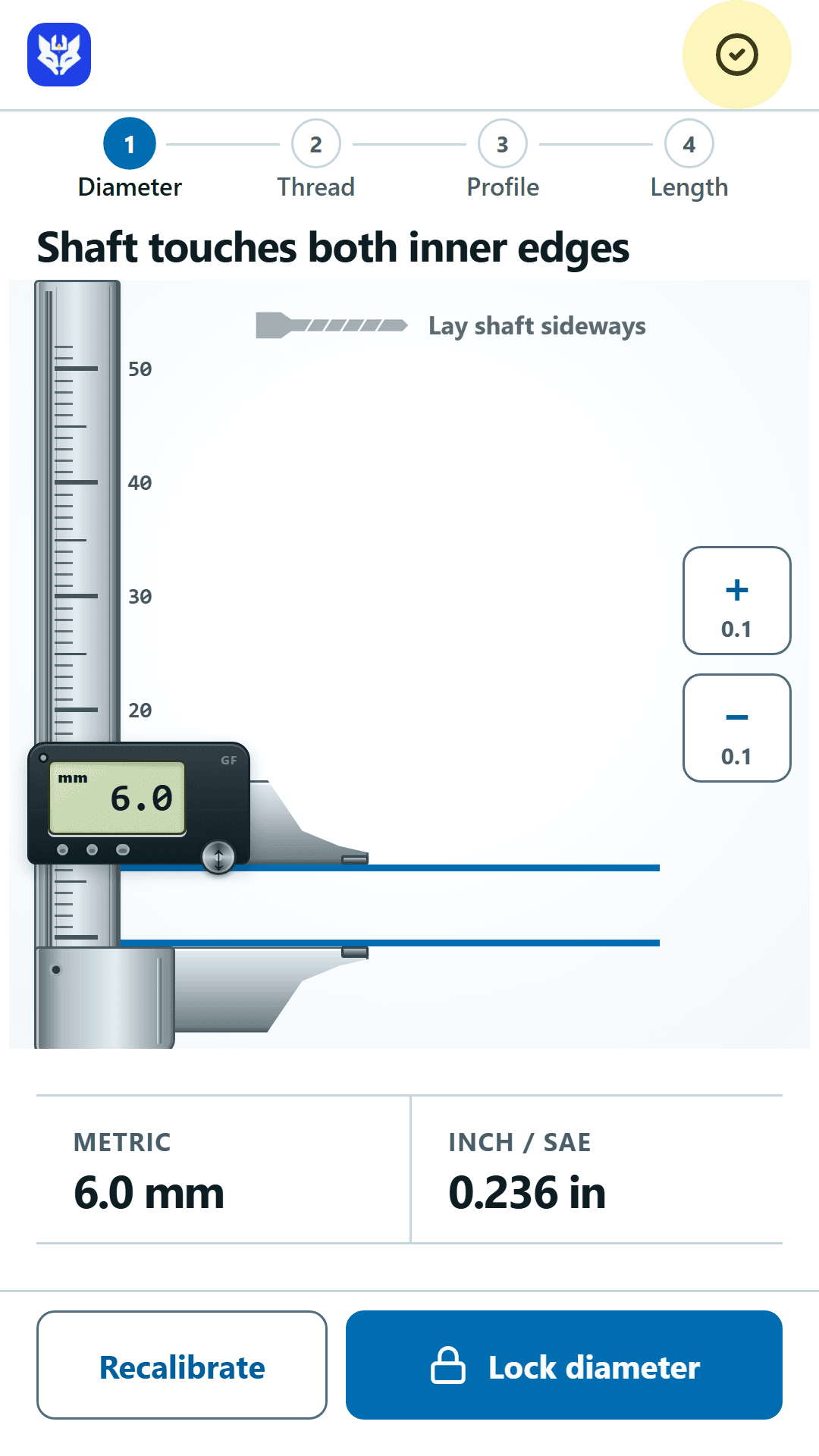
GaugeFox does not measure from a photo. After card calibration, place the part on the marked on-screen geometry and adjust the gauge to its edges. The app ranks nearby listed sizes using the measurements you confirm.
Match a standard card to the on-screen outline, then recheck after a display-size or orientation change.
Place the hardware directly on the clearly marked gauge and adjust until the reference edges meet.
Check diameter, thread pitch, head profile, and length when those measurements apply.
Review close standard matches, then save the useful details and quantity in the local Parts Bin.
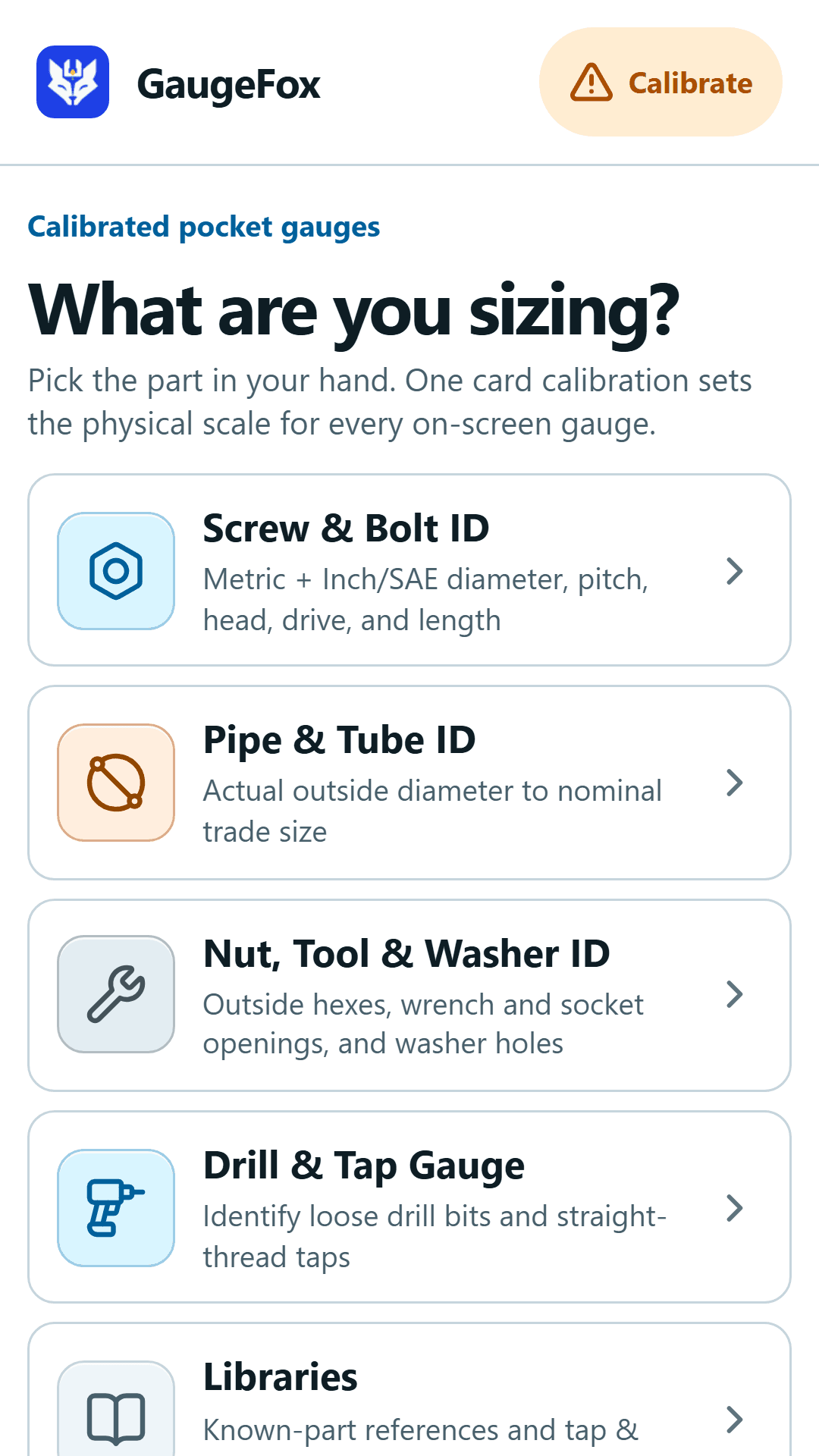
Diameter, thread pitch, head style, and optional length.
Outside diameter, circumference, and nominal trade-size references.
Outside hexes, wrench and socket openings, and washer holes.
Identify loose drill bits and taps, then find tap-drill and clearance-hole sizes.
Search threads, drill bits, tool openings, washers, and pipe with nearby verified sizes.
Save measurements, quantities, and shop notes on the device.
Screen-response check for loose, disconnected blade and round fuses, with screen-protection guidance and meter confirmation.
Check bolt and thread charts, tap drills, clearance holes, drill conversions, wrench and Allen-key sizes, washers, and pipe dimensions without opening the app. Each guide explains the measurement that matters and the close sizes worth checking.
Open the hardware guidesGaugeFox works without an account or cloud sync. Measurements and saved parts stay on the device. Limited Google AdMob advertising is described in the app privacy policy.
Before you install
The app narrows unknown hardware to supported sizes using the measurements you can physically verify on screen.
Yes. Its calibrated gauges and Libraries compare supported Metric and Inch/SAE fasteners, thread pitches, drill sizes, tool openings, washers, and pipe references.
No. You calibrate the Android screen with a standard card, place the clean part on the marked gauge, and align the physical edges or thread profile directly on screen.
Yes. Search a supported Metric, UNC, or UNF thread to see a starting tap-drill size, the nearest drill in the other measurement system, and verified ISO 273 clearance-hole sizes where available.
Core measurement tools, Libraries, calibration, and the Parts Bin work without an account or cloud sync. Google Play services, ads, updates, and external retailer or web searches need a network connection.
Free on Android
Install GaugeFox from Google Play. No account is required, and every measurement and reference tool is available without a subscription.